
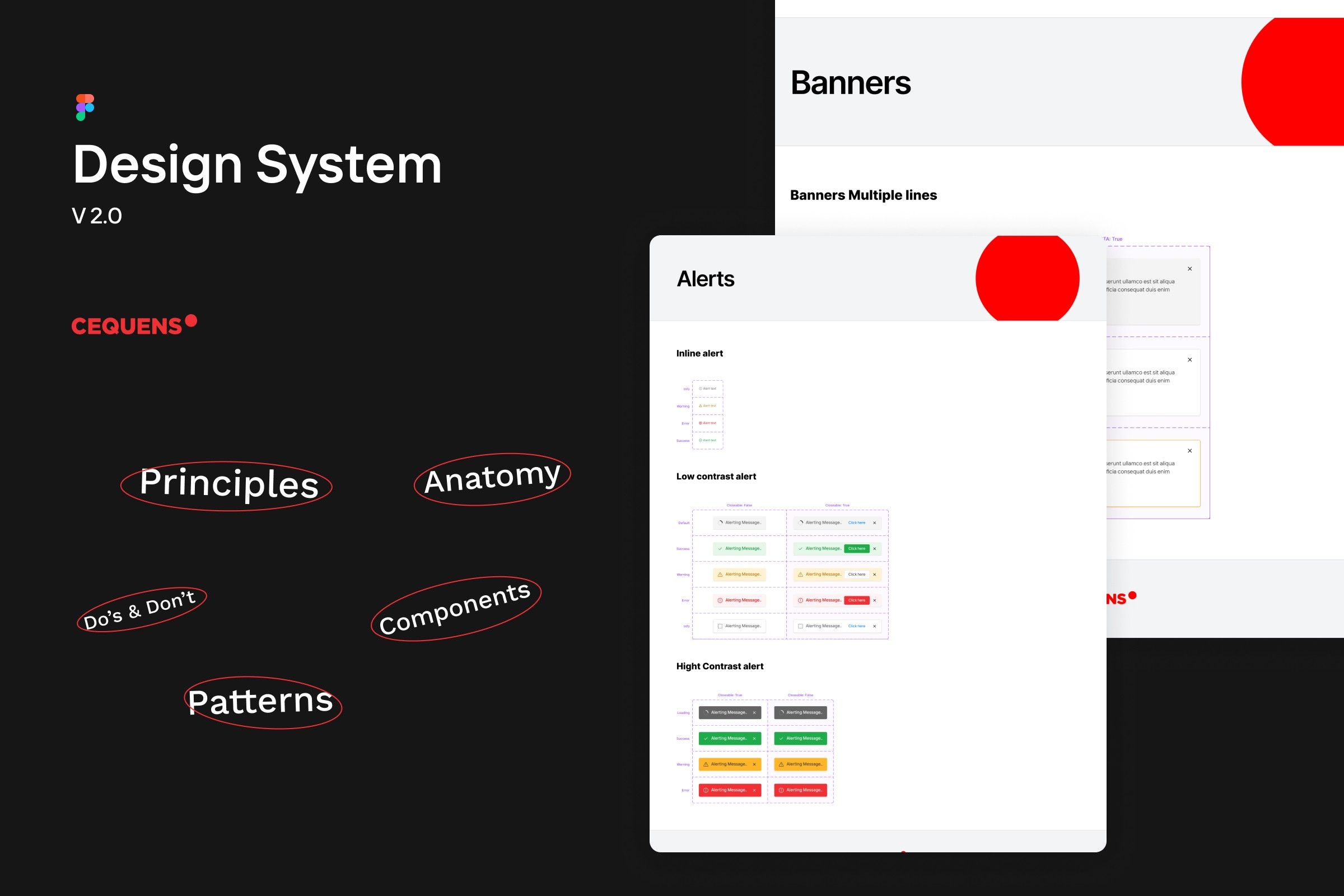
CEQUENS Design System
A closer look on how design systems evolve with collaboration
Check it out: in FigmaUI design
DS Owner
Problem
After joining CEQUENS and dealing with the design system the previous design team had assembled, I noticed that
- It was still unfinished work
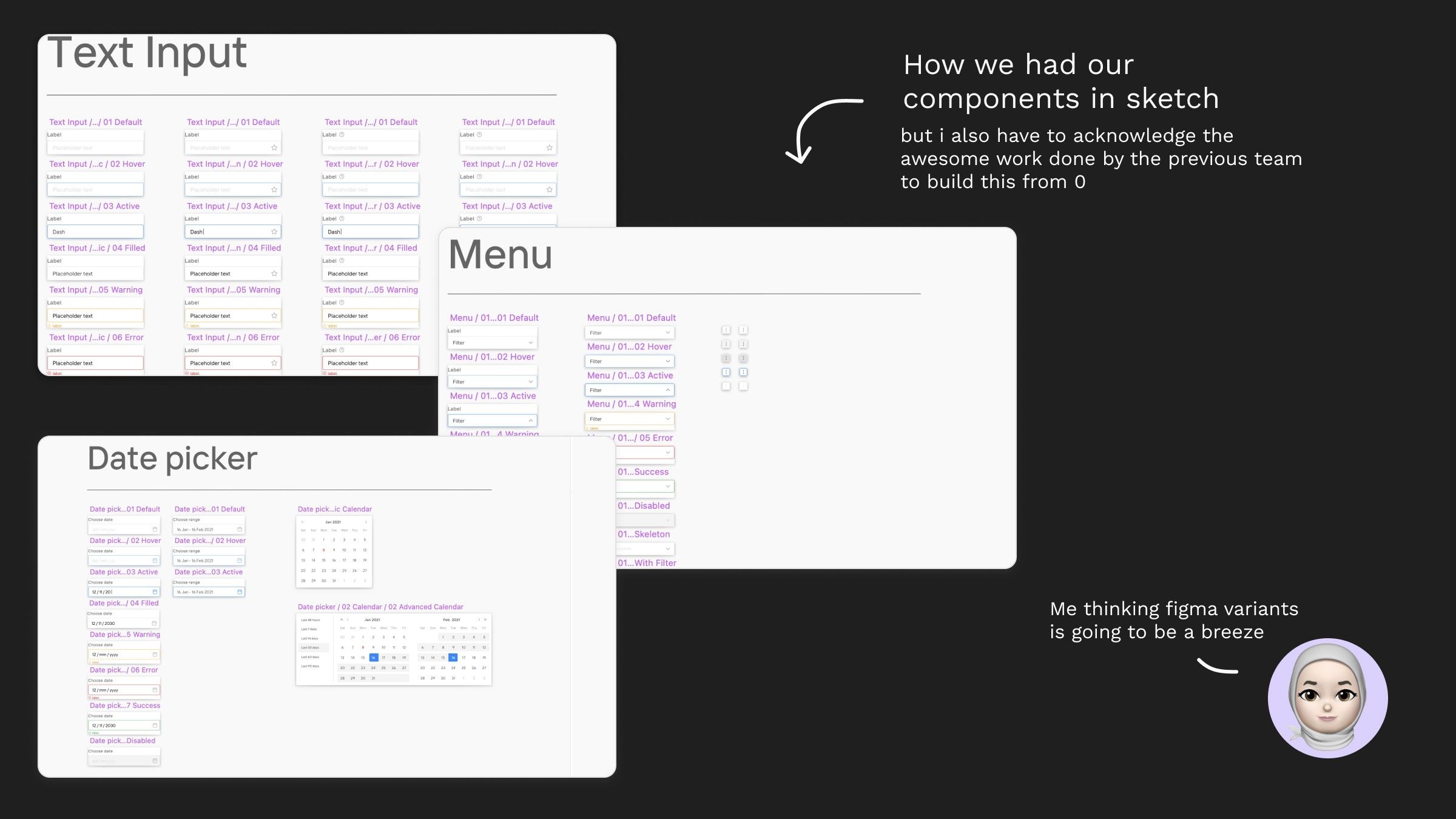
- Components built inside Sketch app had many limitations and weren't properly organized
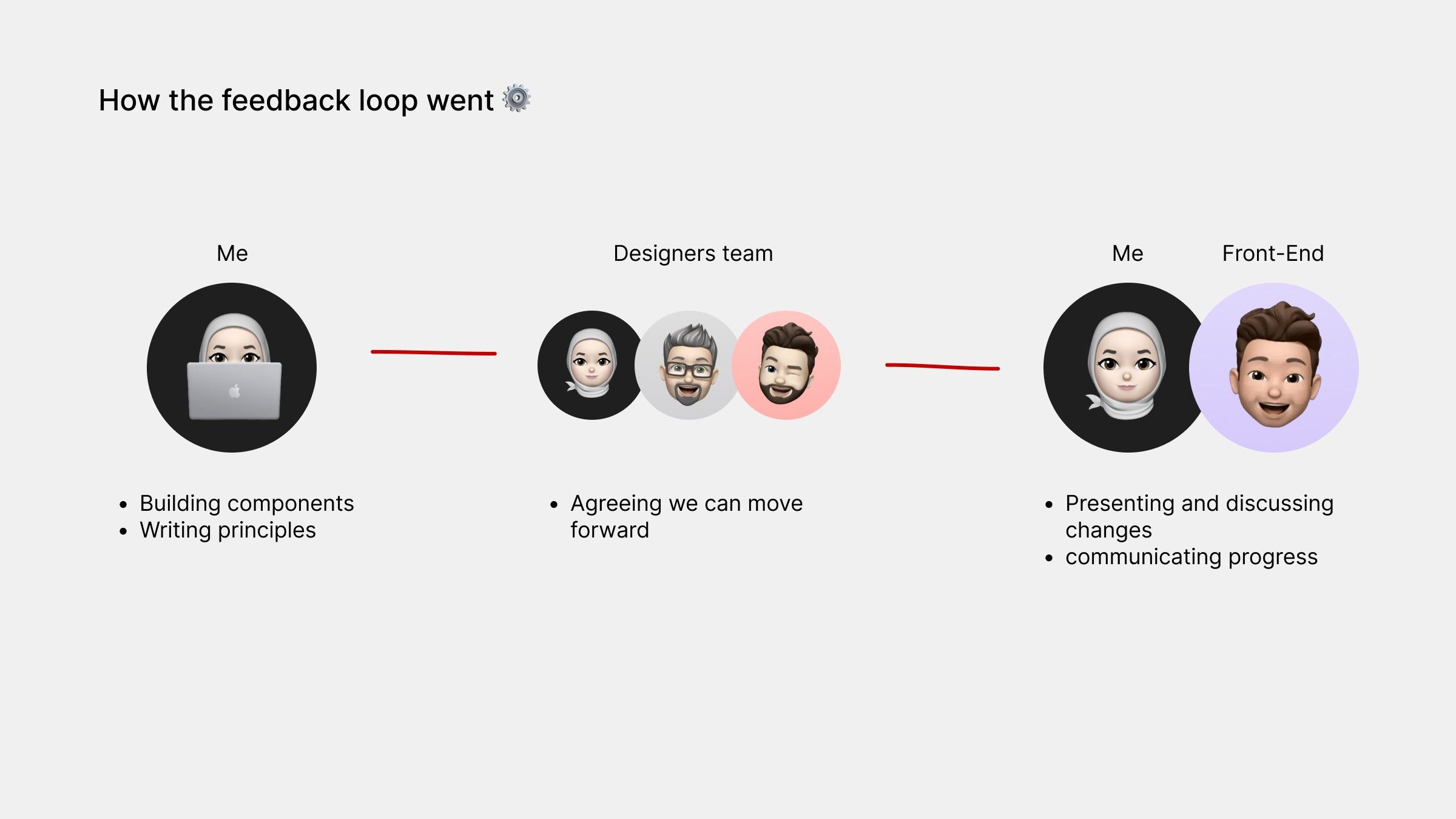
- DS wasn't properly communicated with FE leading to a lot of differences between design & implementation
Process
Moving our files to Figma, It was an opportunity to change
We moved design to Figma from Sketch, so it was important our Design system move with us as well, but I saw this as an opportunity to re-build it in a better way > a scalable way, and so I communicated this to the rest of the design team.
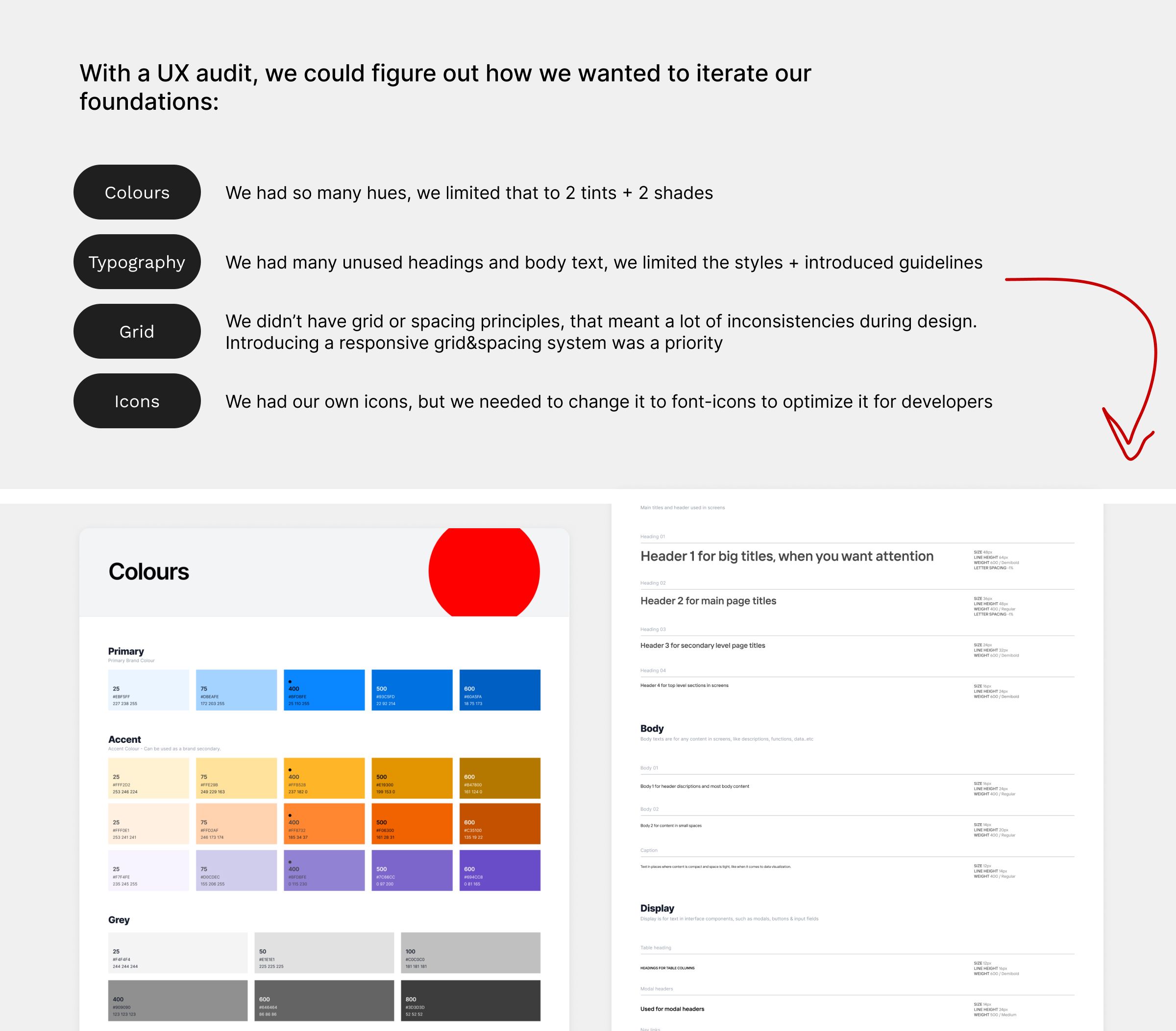
Starting with the "Foundations"
Believing in the famous sentence "Don't reinvent the wheel ", I started my challenge with searching for other famous design systems built by great (but similar) companies to see how they do it, so I can come up with a plan on what we need now and what can be done later.
We also discussed the possibility to host our design system on a paid service. but at the end reached the decision that we're going to code and host it on a subdomain for CEQUENS.
Inspirational Design Systems
 Shopify polaris
 Orbit Design System
Useful articles/websites
New Challenges, Adapting & Evolving
We only had basic components from the old system, that meant a lot of new components must be introduced and built. agreed on by designers and communicated by developers.
Introducing Principles:
Principles was a way for us to govern the use of each component. both useful for designers and developers
Responsive components:
Using auto layout, making sections for how components would look like on mobile was vital
Introducing Patterns (WIP):
Patterns is a testimonial of our evolving design system, from cards to popups. it ensured we limit inconsistencies in designs.
Final thoughts
Finally, you can check out the Design System file 👀
Here In Figma