
Premast digital asset management system
Increasing number of active users & boosting user retention by introducing personalized and collaborative features.
Product Designer
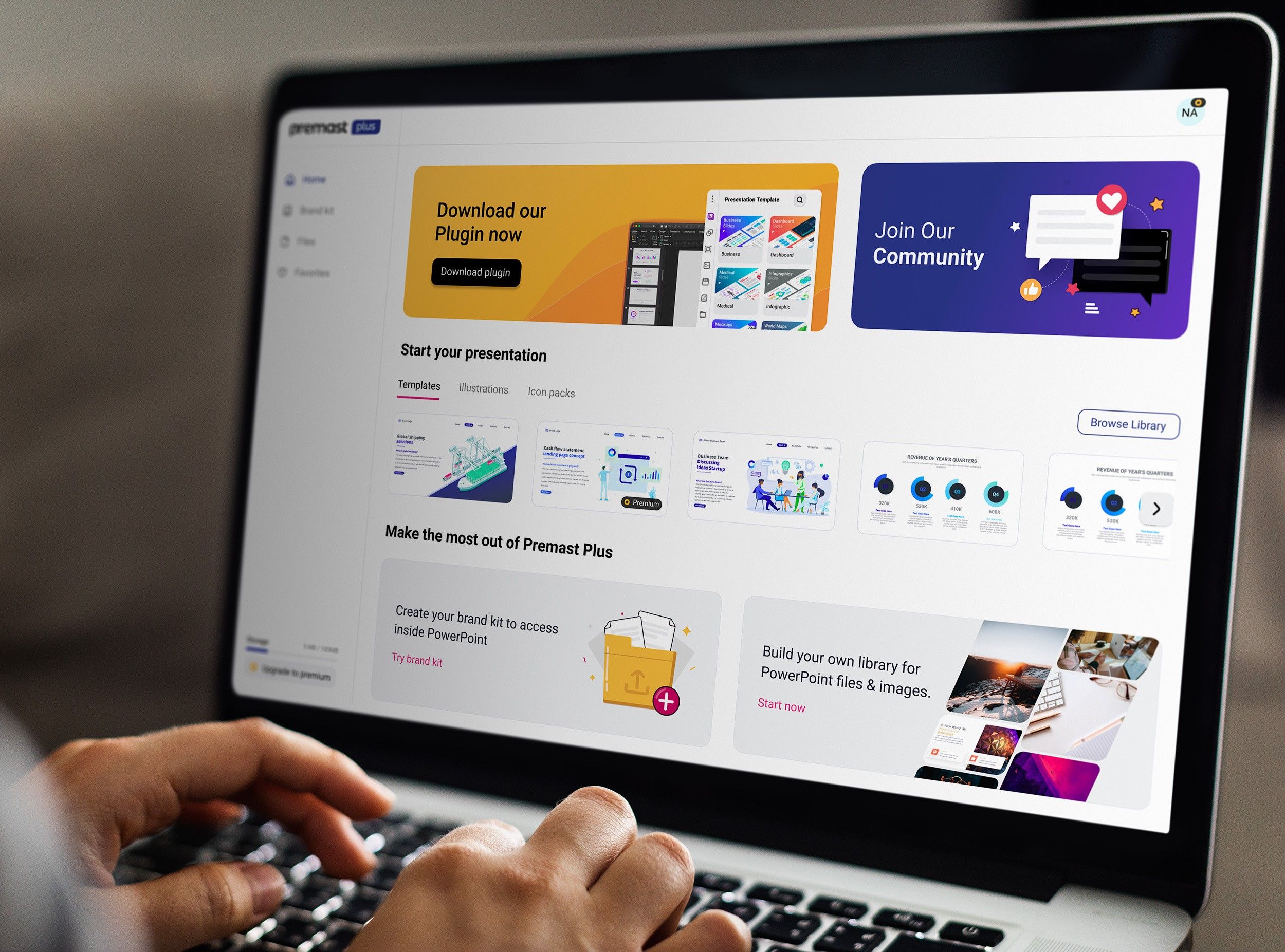
Premast is a Saas product empowering PowerPoint users to create and share presentations easily inside PowerPoint by offering multiple services.
Problem
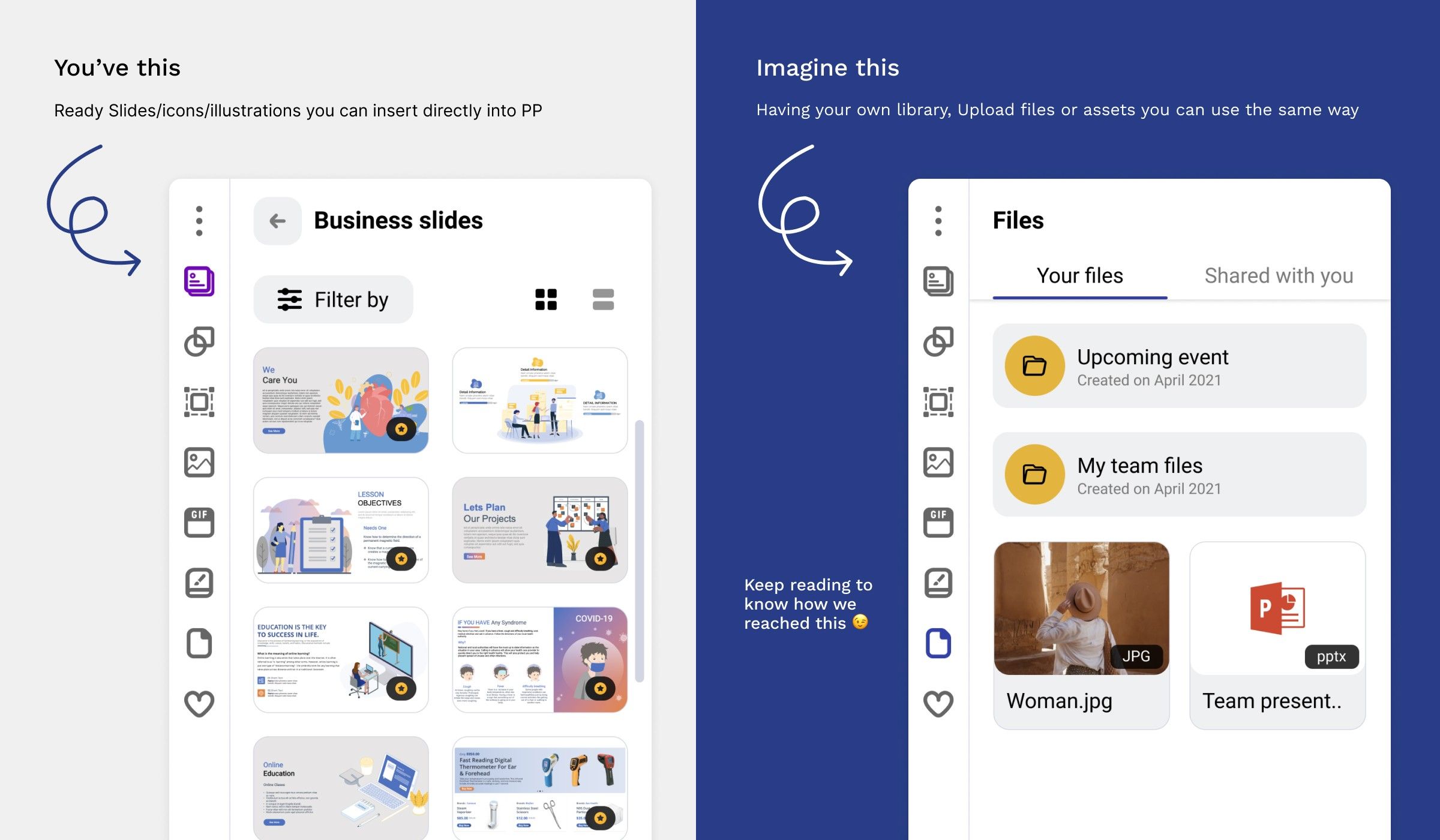
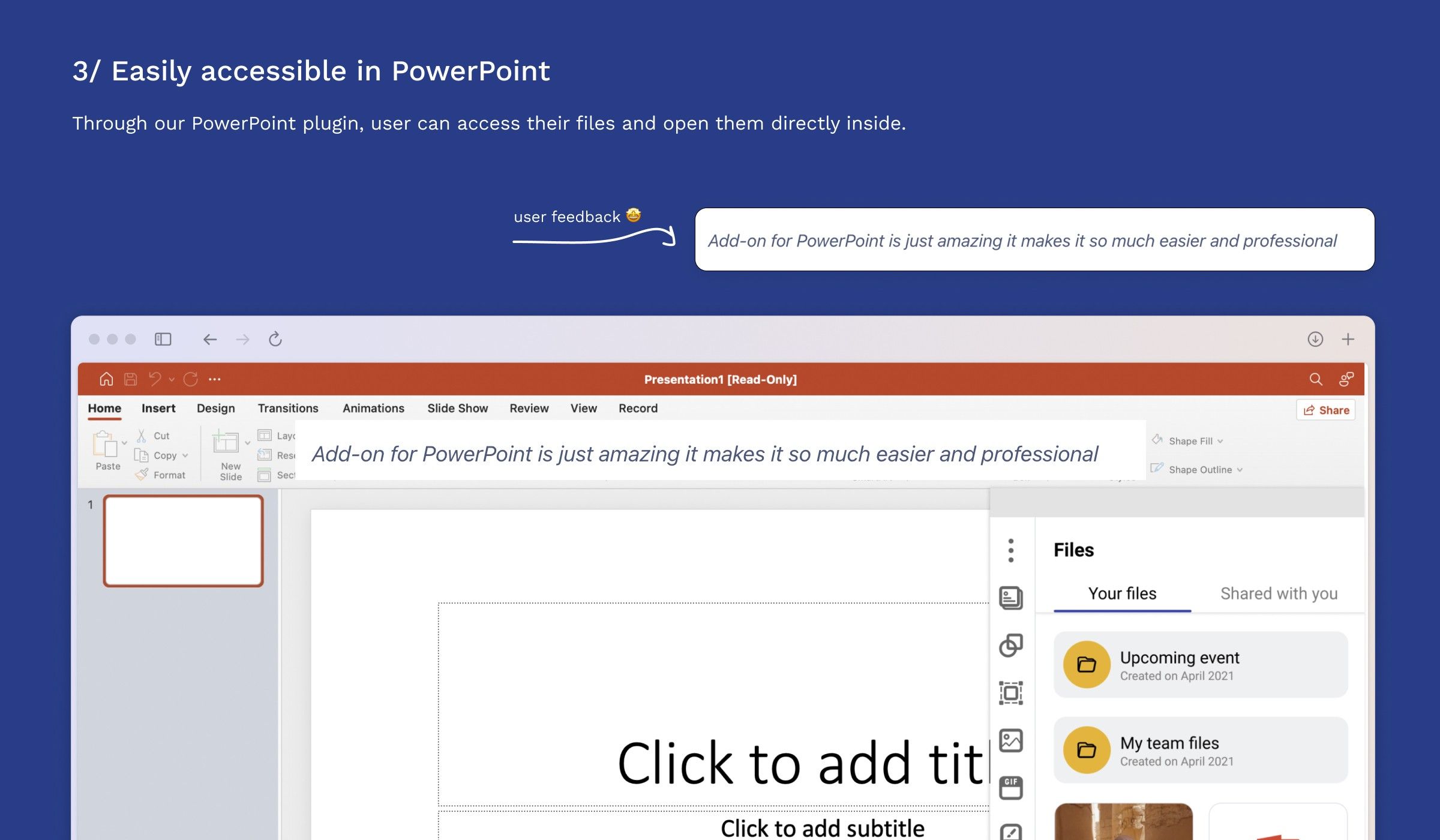
PowerPoint users often struggle to efficiently manage and access high-quality assets for professional presentations. Premast took the first step by offering an add-on with downloadable assets, leveraging the familiarity and widespread use of PowerPoint.
However, there is untapped potential in enabling users to create and manage their own libraries of graphics directly within PowerPoint, enhancing productivity and personalization.
Business goals
- Increase Premium Subscriptions: Increase conversion by offering exclusive tools for managing and sharing assets.
- Expand plugin usage: Increase the plugin’s active user base by 25% through enhanced asset collaboration features.
- Boost User Retention: Provide seamless in-app asset management to increase monthly active users (MAU) by 25% through improved workflow efficiency.
Process
Gathering insights from other products
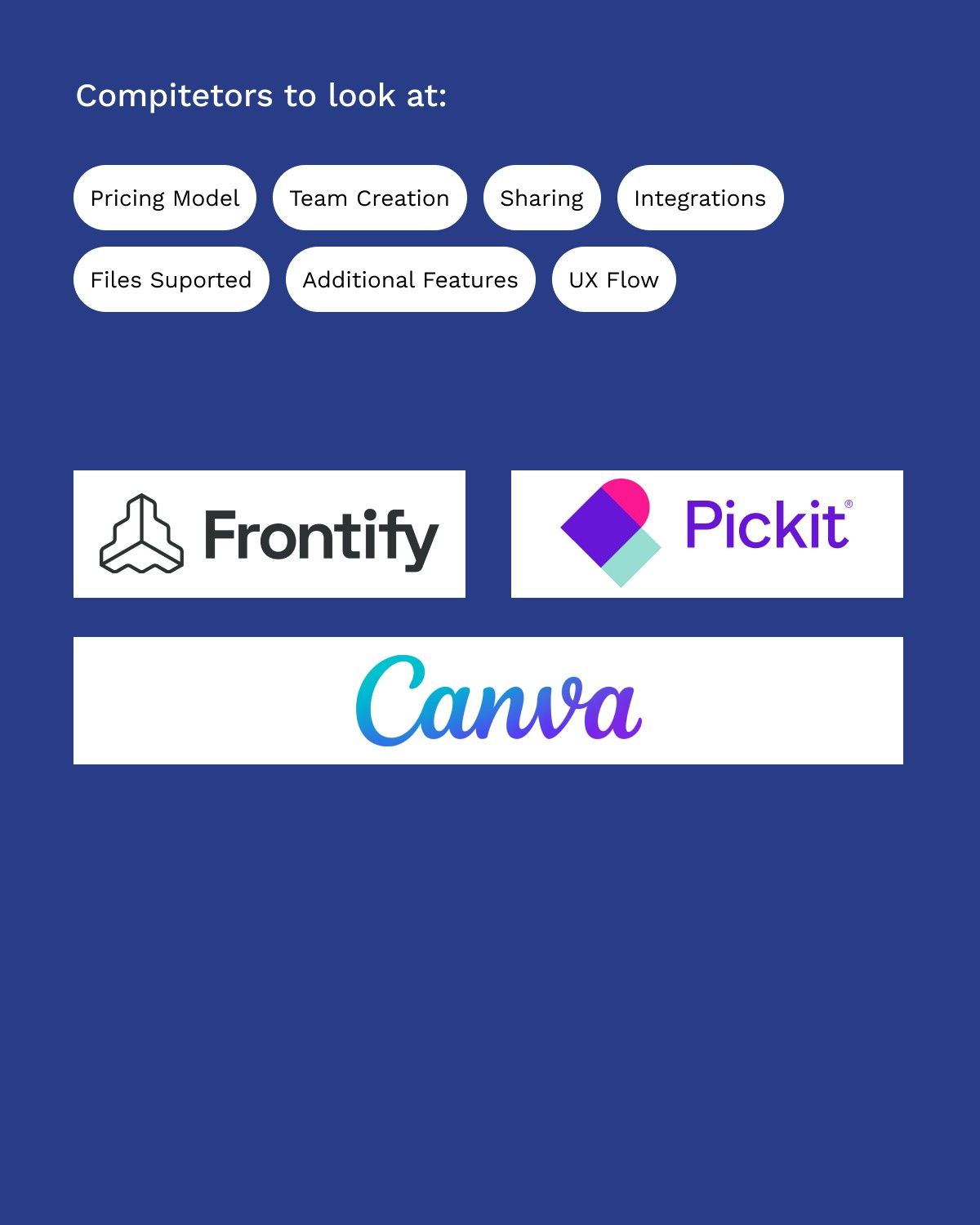
Market research & Competitive analysis:
To better understand and ideate the solution. It was important to look at some of our indirect competitors so we can understand what they are doing and how.
Starting small, scaling as we go
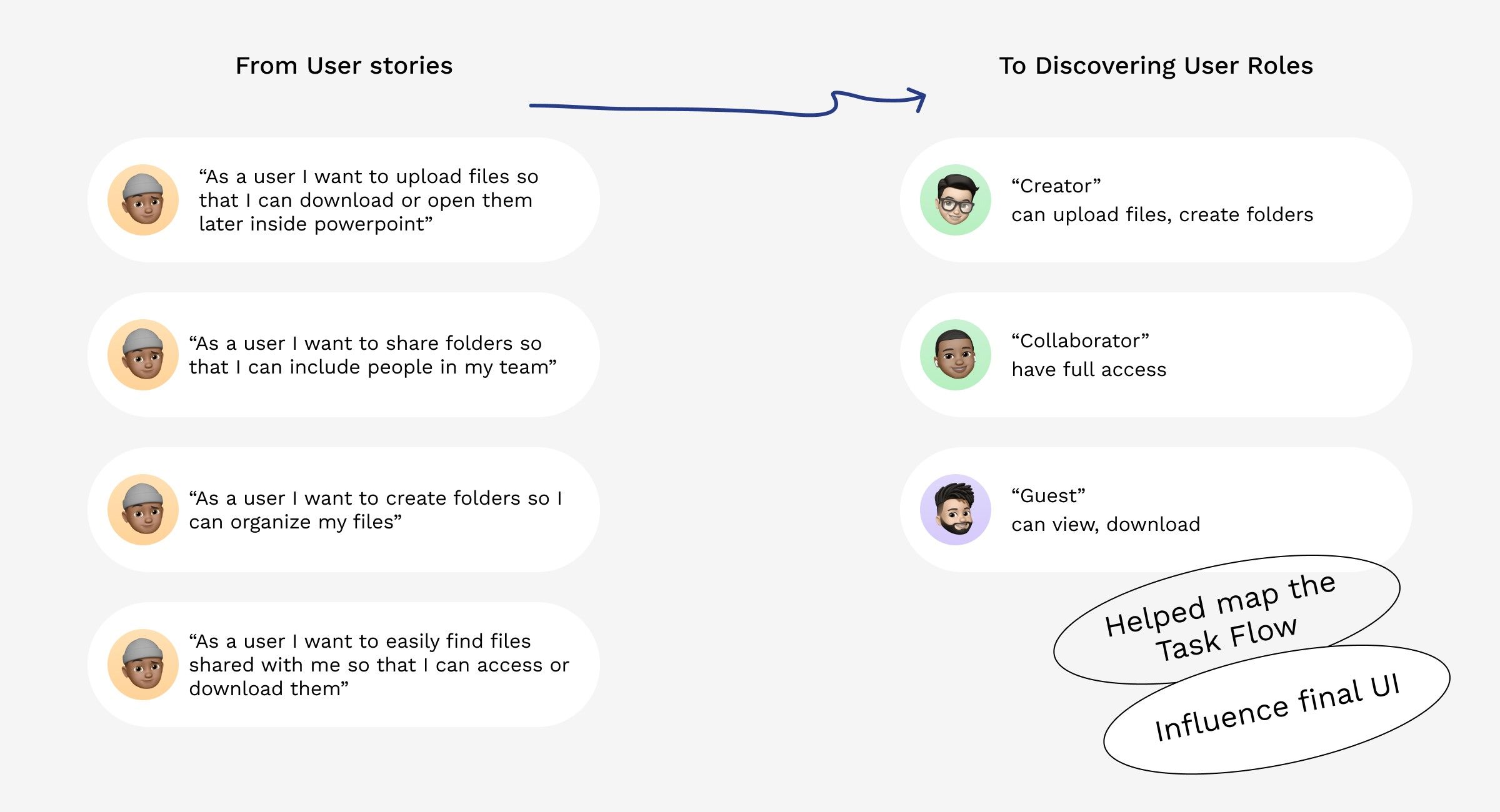
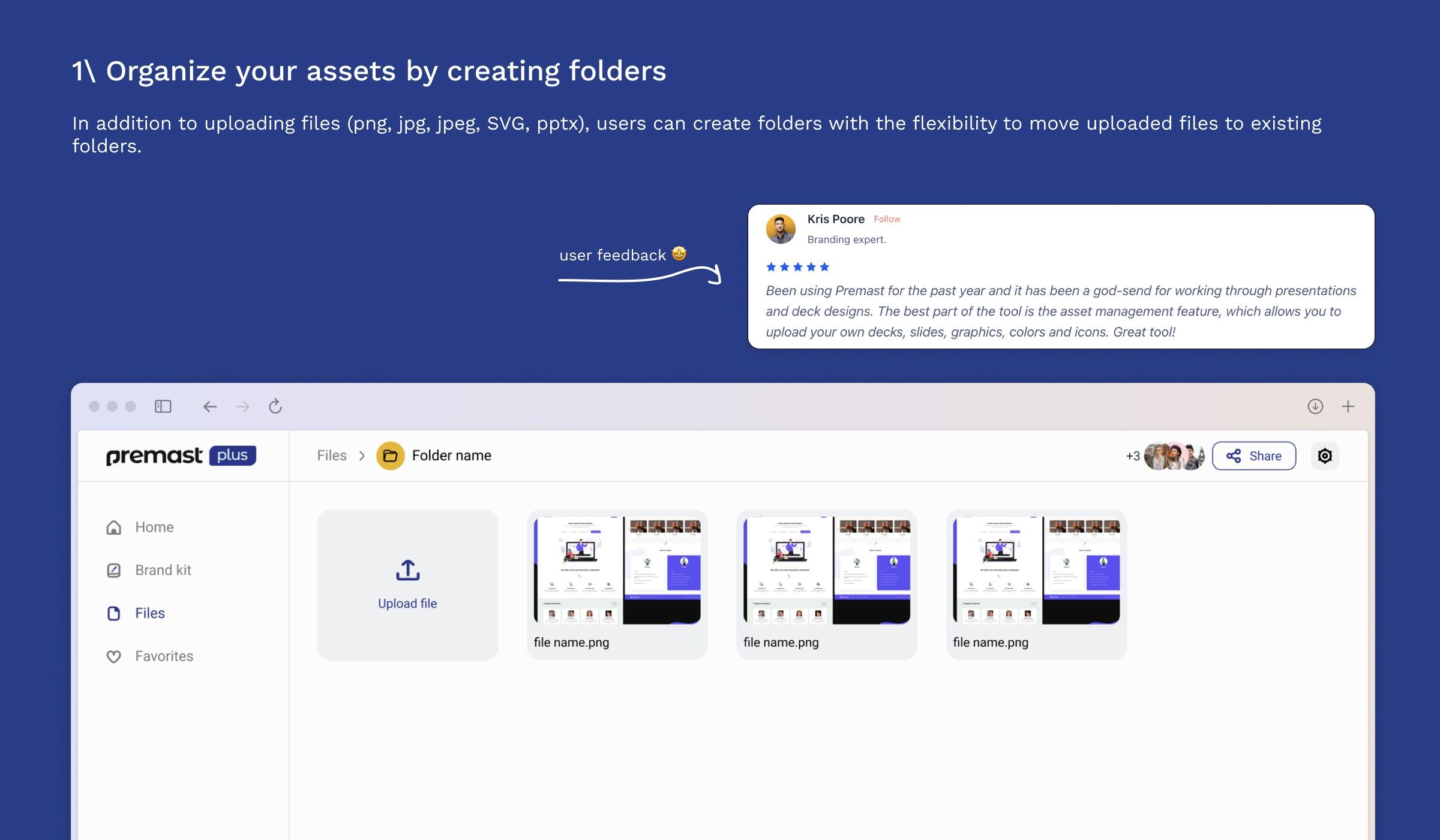
1/ This would be our premium feature: Since we already have a freemium business model, we wanted to offer more in our premium plan.
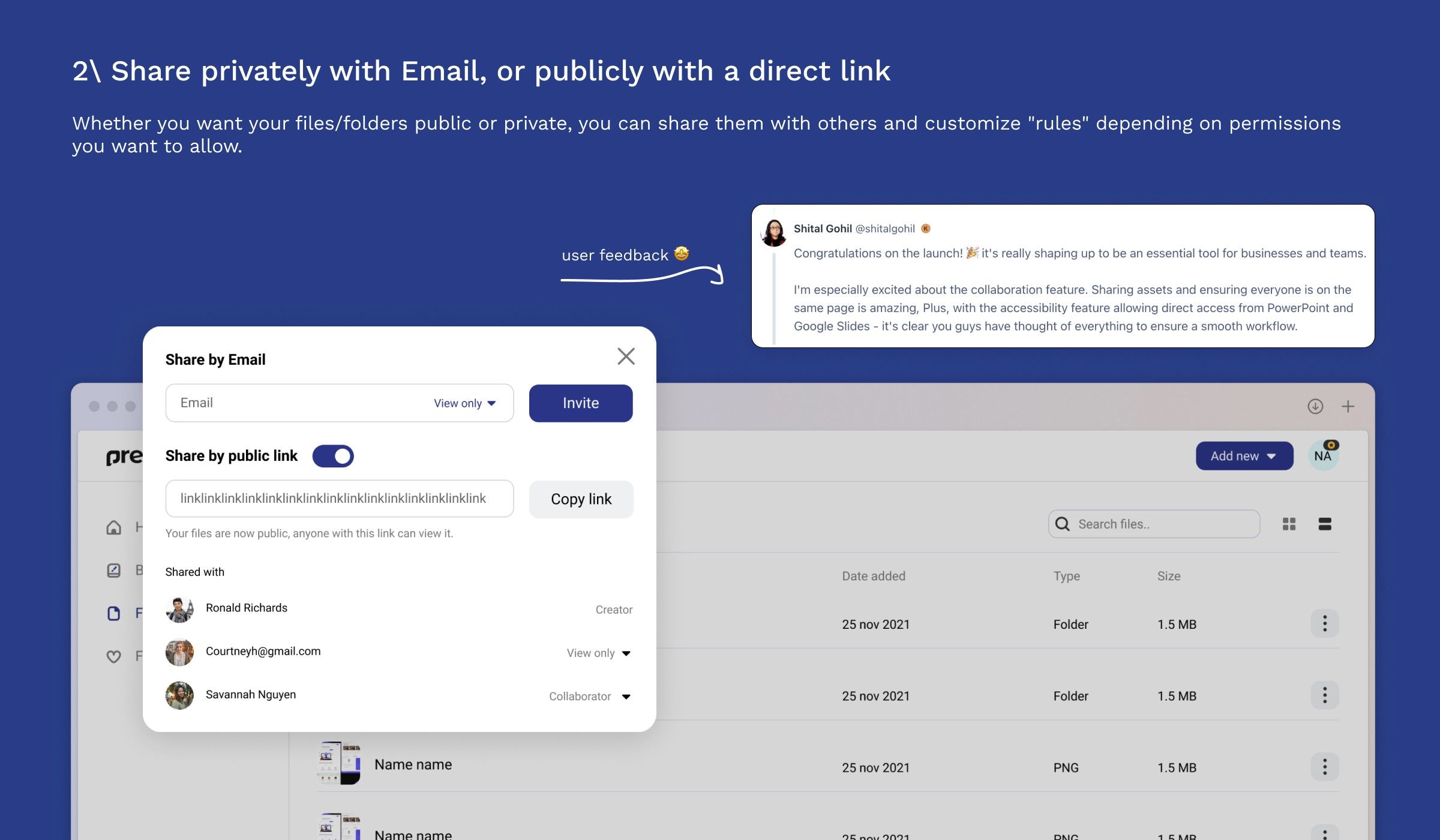
2/ Encourage more collaboration: competitors we investigated had some kind of limit on sharing, we wanted to make sharing accessible to encourage collaboration.
3/ Keep it simple (KISS): We don't need this to be confusing, with hidden tabs and 100 customization options, Usability & Saving time on implementation is the priority!
🧐 Curious about the full CA? View here
Diving in with the solution
based on the 3 principles above, let's get going on how we created the final solution with ux flows & UI
Reflections 🧐
Redesign
Worth mentioning that we redesigned the whole experience after the first launch MVP, that was based on a recent Rebrand + Elevating the whole UI
*UI shared above is the most recent*
User adoption
Lack of marketing for the feature + it not being conventional for PP users led that this feature adoption rate was very slow, looking back we should've introduced things like (onboarding) to make this more visible